Minecraft Bedrock Edition • Marketplace, Add-Ons & Realms Plus

For Bedrock owners

Choose Bedrock content with the tradeoffs in view

A pack is not a subscription. Pass is not Plus. Minecoins are not PlayStation Tokens. This page maps those differences using Minecraft.net, Help, and platform billing pages - not pack playtests.

Subscription decision rules

Checked against Minecraft.net Pass and Realms pages on 28 August 2026. Prices vary by region and platform; use the live official page or in-game store.

Buy one item

Use when you want a specific world or Add-On to keep after a catalog rotation. Billed as Minecoins or the platform's in-app currency. Marketplace FAQ: Coin purchases are described as final; wrong-item cases go to that device's store support and may or may not be refunded.

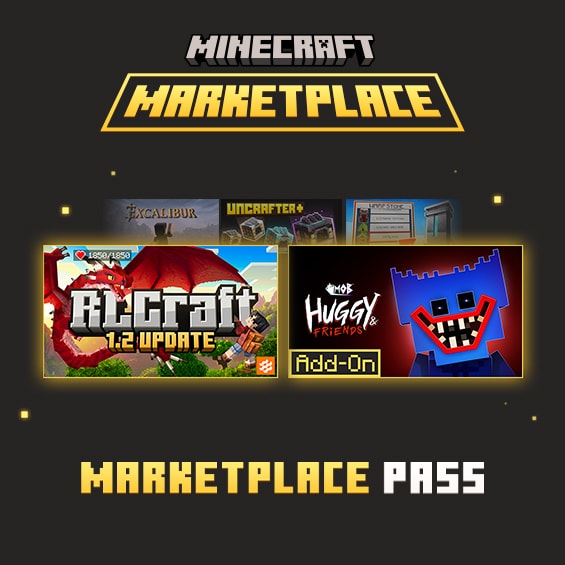
Marketplace Pass

Use when you want the rotating catalog and do not need a hosted Realm. Check the live Pass page for your price. Official footnotes: not on Kindle Fire or Java; trial excludes prior Pass/Plus members and Switch users. Same catalog as Plus.

Realms Plus

Use when you want that catalog plus a private world friends can join while you are offline. Check the live Realms page for your price; it describes the owner plus up to 10 other players. Includes Pass - Minecraft.net says not to hold both. A Bedrock Realms option for the owner plus 2 other players is also listed.

Console online play still requires that console's network subscription (Xbox, PlayStation Plus, Nintendo Switch Online) according to how to buy a Realm.

Content-type / compatibility matrix

Cells say what official docs typically allow. "Varies" means the pack page, device, or current game version can override this table. We did not test named packs.

Type What it changes Buy once Pass / Plus catalog Local world Realm Consoles
World template Starts a prepared map If purchased While in catalog + subscribed Yes Upload/replace slot Marketplace install
Add-On Behavior and/or resources on a world If purchased While in catalog + subscribed Activate per world Activate on Realm world Marketplace; file import generally not available
Texture pack How blocks/items look If purchased While in catalog + subscribed Global or per world Varies by pack Marketplace
Skin / mash-up Player look or themed bundle If purchased While in catalog + subscribed Account locker Usually cosmetics Marketplace
Character Creator (Pass monthly) Wardrobe pieces N/A (claimed on Pass) Official FAQ: keep after redeem On account Cosmetic Where Pass is supported
Imported .mcaddon Community files outside Marketplace Not a Minecoin SKU No Windows / mobile typically Varies; consoles often blocked Usually Marketplace only
Featured servers Partner minigames Server's own shop Not Pass catalog Not your world file Separate In-game list

Achievements: a Mojang article says they work with Marketplace Add-Ons. That statement does not cover sideloaded packs. Cheats and some experiments can still disable them.

Before-you-buy checklist

Work top to bottom. If any line is "I don't know," open the official product page instead of guessing.

  • I can name the content type (template, Add-On, texture, skin, mash-up, Character Creator) from the store listing - not from a YouTube title.
  • I know whether this is a permanent purchase, a Pass/Plus catalog item, or a featured-server extra.
  • Everyone who will play is on Bedrock with a Microsoft account; Java cannot join.
  • If we use a Realm, I will apply packs on the Realm world and download a copy before replacing a slot (official change-world steps).
  • I checked billing: Minecoins vs PlayStation Tokens vs Apple/Google/Amazon/Nintendo checkout. Tokens and Minecoins are not interchangeable per Sony's guide.
  • Child accounts have Family Safety or console spend limits set before Minecoins sit in the wallet (Microsoft spending limits).
  • I am not treating catalog access as ownership. Pass FAQ: after an item leaves, you generally purchase it to keep using it while playing; files may remain on disk until you delete them.
  • I have not assumed a refund. Marketplace FAQ: Coin purchases are final; other cases depend on the store that billed you.
  • I will not stack Marketplace Pass on top of Realms Plus.
  • If the device is Fire, I will not expect to buy Pass there (official Pass footnote).
How to back up and apply packs

Ownership after cancel or rotation

From the official Marketplace Pass FAQ and May 2024 Marketplace article. If those pages change, trust them over this table.

Situation What official copy says What to do if you care about that world
Character Creator items claimed on Pass Yours to keep after redeem Nothing extra for those wardrobe pieces
World, texture, skin, mash-up leaves catalog Purchase from Marketplace to continue using while playing Buy before the in-game timer ends if you want ongoing access
Add-On leaves Pass or membership ends Reactivate membership or buy the Add-On to keep using the world with it Same as above; Mojang called this out when Add-Ons joined Pass
Subscription cancelled, files still on device Packs are not always deleted immediately; loading may still require subscribe or buy Do not assume a leftover file equals a license
Minecoin purchase of an item Marketplace FAQ: enjoy on other supported devices on that Microsoft account, no expiration for that purchase model Still verify you are signed into the same account (PlayStation Tokens remain a separate wallet)
Minecraft Marketplace content including skins, worlds, and creator packs

Minecraft Marketplace

The Marketplace is Bedrock's in-game store for creator worlds, skins, textures, mash-ups, and Add-Ons. Java Edition does not include it.

Older Marketplace FAQ text still talks about Pocket Edition and Windows 10; the current storefront is Bedrock across modern platforms. Some listings are hidden on low-memory devices. That FAQ also routes Coin refunds to the store that billed you.

Marketplace purchases happen in the game. This page compares content types rather than ranking packs.

Official Marketplace
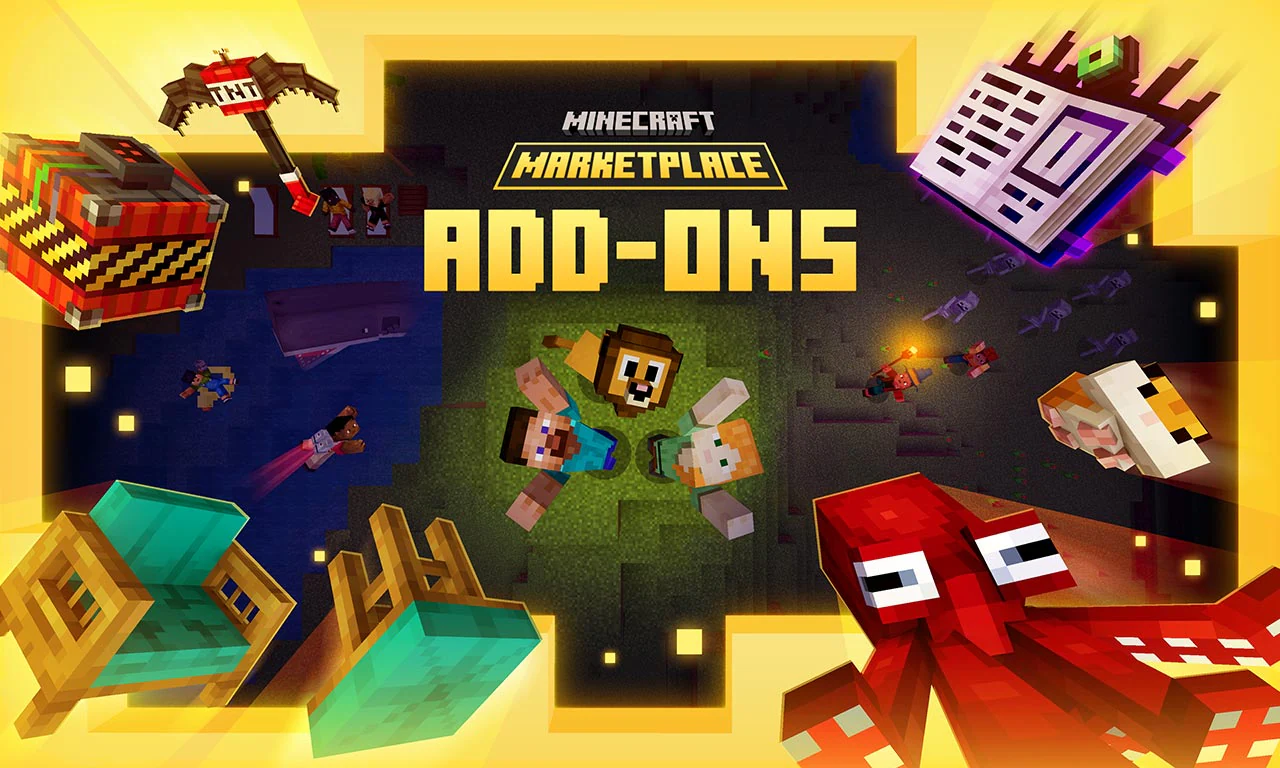
Minecraft Bedrock Add-Ons with custom blocks, items, and activities

Add-Ons

Mojang's introducing-Add-Ons article: they can add blocks, mobs, items, and recipes, including to existing worlds, they can be combined, and Marketplace install does not require a separate mod launcher.

Microsoft's creator docs distinguish Resource packs (look) from Behavior packs (rules). Both halves of an Add-On usually need to be active. Load order can make one pack override another - that is how the engine works, not a ranking of quality.

Player tickets on Mojira have reported Realm join or download failures when several Marketplace Add-Ons sit on a world after a game update. Those are bug reports, not a statement that Add-Ons "don't work on Realms."
Apply Add-Ons without trapping a save
Minecraft Realms private online worlds

Realms and Realms Plus

A Realm is a hosted Bedrock world. Friends you invite play without buying the subscription. Minecraft.net describes simultaneous play as you plus up to 10 others on Plus, and a smaller 2-player option on the purchase flow.

Bedrock Realms and Java Realms do not share worlds or Marketplace entitlements.

Before you replace a slot, download the world. Official copy: do not rely on Realm backups indefinitely.

Realm backup and pack sharing

Platform billing caveats

Microsoft / Xbox / Windows

Minecoins and many subscriptions bill through Microsoft. Digital refund requests for eligible Microsoft purchases go through Xbox refund orders. Eligibility is not automatic.

PlayStation

Use Minecraft Tokens on PS4/PS5. Sony states Minecoins cannot be spent there. Family monthly spend limits are a separate PlayStation control.

Apple, Google, Amazon, Nintendo

The Marketplace FAQ points Coin disputes to that store. Nintendo Switch has extra Pass trial exclusions on Minecraft.net. Fire cannot purchase Pass, though content subscribed elsewhere may still appear when signed in - confirm in-game.

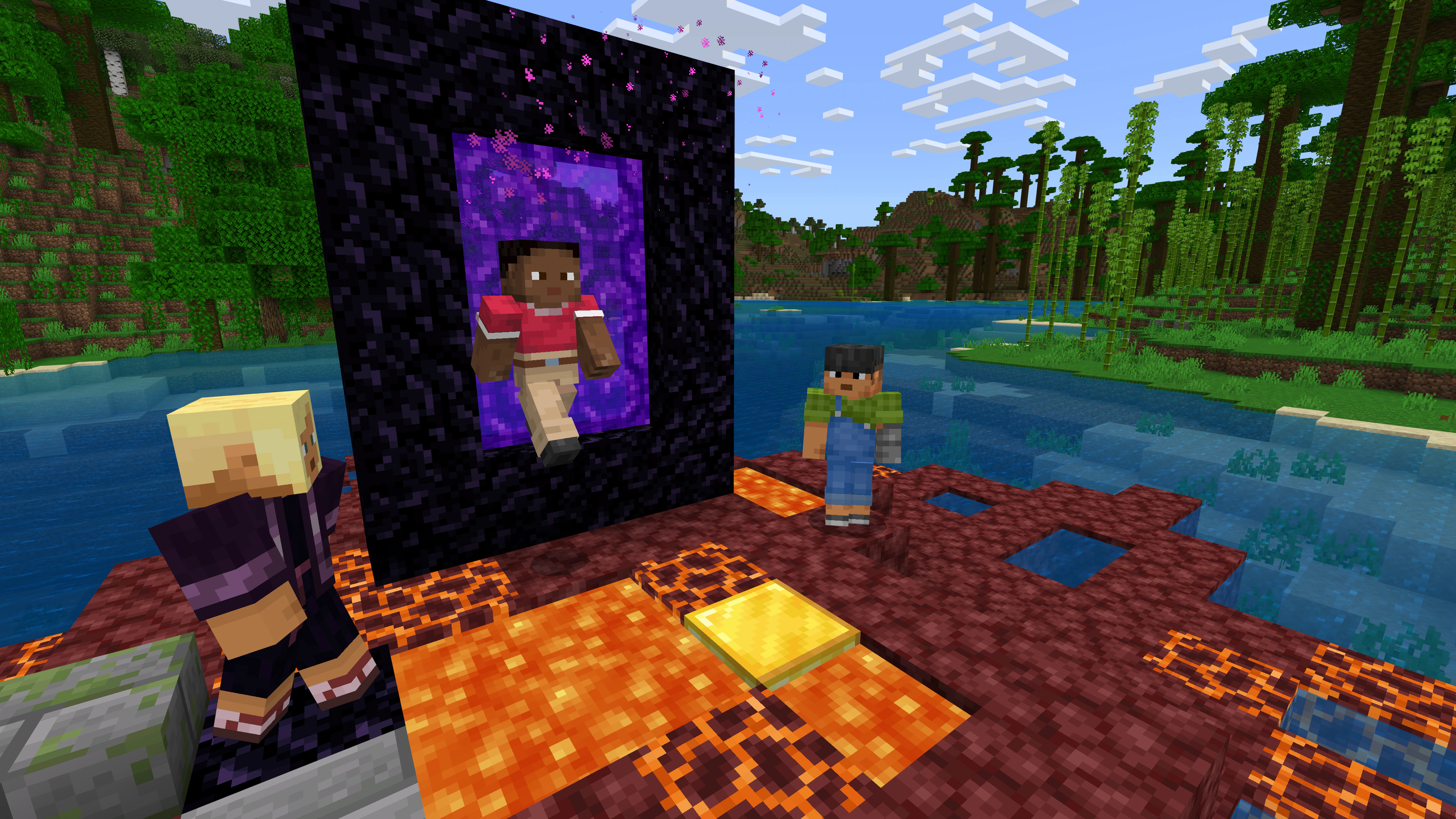
Minecraft characters stepping through a Nether portal together

Cross-play and the rest of Bedrock

Friends on Windows, Xbox, PlayStation, Switch, Android, and iOS can play together when everyone uses Bedrock and a Microsoft account. That is separate from whether a Marketplace pack is licensed on each device.

Ray tracing remains a Windows feature for DXR-capable GPUs, including supported NVIDIA and AMD hardware. Split-screen is console-only; Windows does not provide console-style couch co-op.

Featured servers are curated partner destinations with their own economies. They are not Realms and not the Pass catalog.

Windows Xbox PlayStation Switch Android iOS

Bedrock extras by platform (summary)

"Yes" means the feature exists in current official materials, not that every SKU on that device includes it.

Feature Windows Xbox / PlayStation / Switch Mobile
Marketplace Yes Yes Yes (Fire: Pass purchase excluded)
Marketplace Pass purchase Supported devices Supported; Switch trial excluded per Pass footnote Not on Fire; iOS/Android yes if Marketplace exists
Realms Plus Yes Yes + platform online sub Yes
Ray tracing (RTX) DXR-capable GPU (supported NVIDIA or AMD) No No
Split-screen Not equivalent to consoles Yes (device-dependent) No

Next: apply packs without locking a world

Guides cover backup, Add-On activation, and Realm sharing. Store paths stay on the download page - this site never charges you.

Download